CDS Studio: tabs, validation, preview and data contexts
Write CDS view entities, validate them, preview rows, and inspect the model. It is an educational subset, not SAP, HANA, production OData, Fiori or DCL.
CDS Studio: tabs, validation, preview and data contexts
Write CDS view entities, validate them, preview rows, and inspect the model. It is an educational subset, not SAP, HANA, production OData, Fiori or DCL.
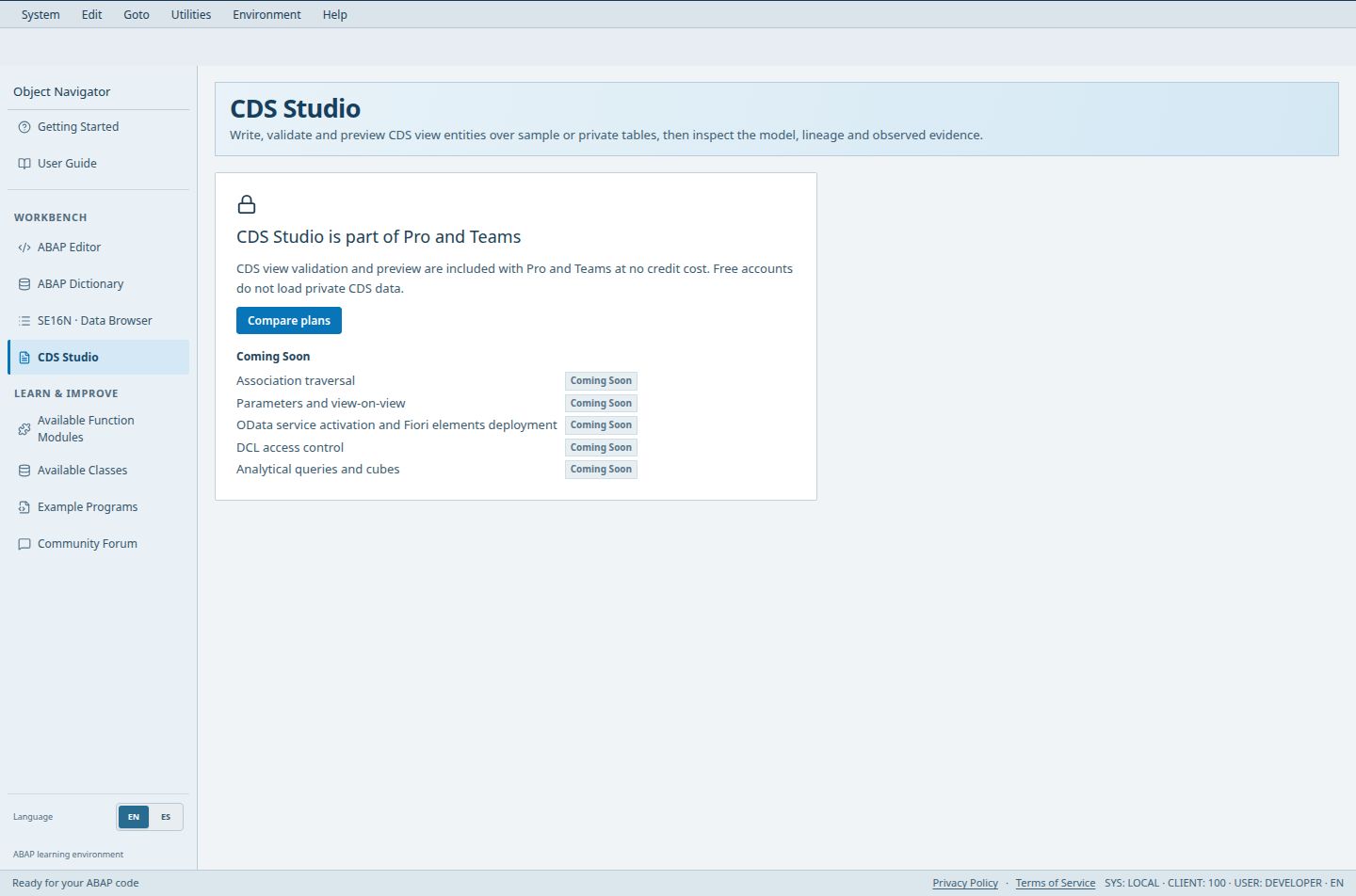
- The access notice explains that CDS Studio is part of Pro and Teams.
- Compare plans opens the subscription comparison; viewing this notice does not run a preview or spend credits.
Pro, Teams and administrator only. Validation and preview use no credits. Processing happens privately on the backend.
Access (Guest / Free / Pro / Teams): no / no / full / full. full = Included; limited = Limited; signin = Sign-in required; no = Not included; soon = Coming Soon.
Steps
- Sign in on Pro or Teams and open CDS Studio. Free accounts see a gate with Compare plans.
- Pick a Data context: Accounts receivable sample, Bank sample, Stock sample, or My private dictionary tables. The sample contexts are fixed and separate from your ABAP dictionary.
- Write source in the Source tab. Validate (Ctrl+Shift+Enter) checks syntax and semantics without reading rows; Preview (Ctrl+Enter) also reads rows.
- Walk the tabs: Source, Data (result rows), Consumer (educational list and selection fields from UI annotations), Model (structure and lineage) and Explain (observed evidence). Arrow keys, Home and End move between tabs.
- Save the source with Save as view, give it a unique name, and use Update when you edit it later. Import and Export DDLS files from More.
Good to know
- Workspace autosaves; the status bar shows All changes saved, Unsaved changes, Save failed or Save conflict. On conflict you can export your source or reload the saved version.
- Pro, Teams and administrators restore saved source, program names, tabs, breakpoint definitions and private tables after refresh. Run results, reviews, specification previews and selection screens/values start fresh: execute or request analysis again. Runtime artifacts may remain while switching tabs in the same browser session, but are never restored from the saved workspace.
- Results go stale when the source, data context or catalog changes; run again.
Limits
- Supported: view entity, inner and left outer joins (up to 4), aliases, arithmetic, CASE, WHERE predicates, SUM/COUNT/MIN/MAX with GROUP BY and HAVING, and selected @UI, @EndUserText and @Semantics annotations.
- Limits: 500 result rows, 10,000 input rows, 20,000 working join rows, 1 million operations; 30 saved views of 50,000 characters, 900 KB total.
Troubleshooting
- Diagnostics list the line and column; choose one to jump into the source. Other annotations only warn and have no effect.
Open CDS Studio in the workbench Prepare private tables first in the workbench